> ## Documentation Index
> Fetch the complete documentation index at: https://docs.brikl.co/llms.txt
> Use this file to discover all available pages before exploring further.
# Alert 01
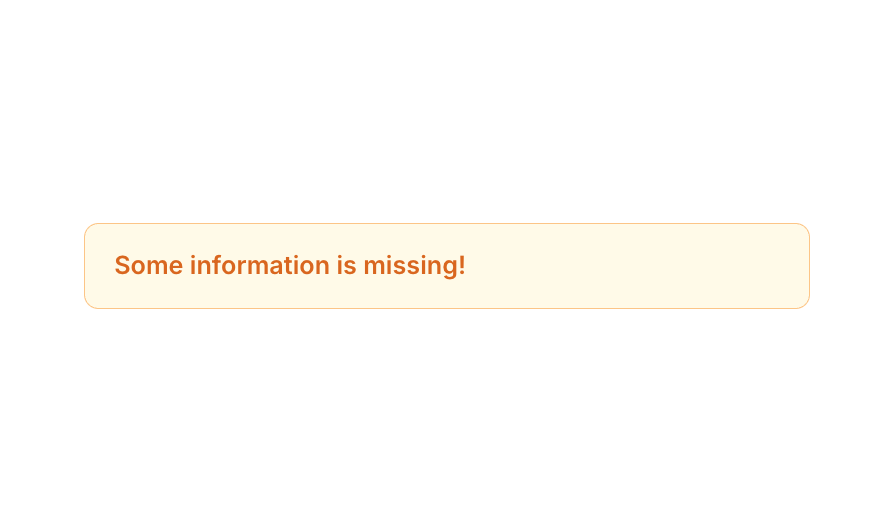
> Compact warning alert bar with orange text, light yellow background, and rounded border.
## Overview
Alert 01 is a simple inline alert/notification component designed to display warning or informational messages to users. It features a light yellow background with an orange border and bold orange text, making it visually distinct for drawing attention. It is ideal for form validation messages, missing information notices, or any contextual user feedback that requires a subtle yet noticeable alert style.
## How to use
Navigate to the **Elements** category in the Brikl panel.
Find **Alert 01** and click **Copy**.
Paste it into your Bubble canvas with `Cmd + V` (Mac) or `Ctrl + V` (Windows),
or right-click on the canvas and select **Paste**.
## Requirements
| | |
| ----------- | ------------ |
| License | Free |
| Plugins | None |
| Custom code | Not required |
## Platforms
| Platform | Supported |
| -------- | --------- |
| Web | ✅ |
| Mobile | ❌ |
## License
This component is available on the free plan.