> ## Documentation Index
> Fetch the complete documentation index at: https://docs.brikl.co/llms.txt
> Use this file to discover all available pages before exploring further.
# Avatar 05
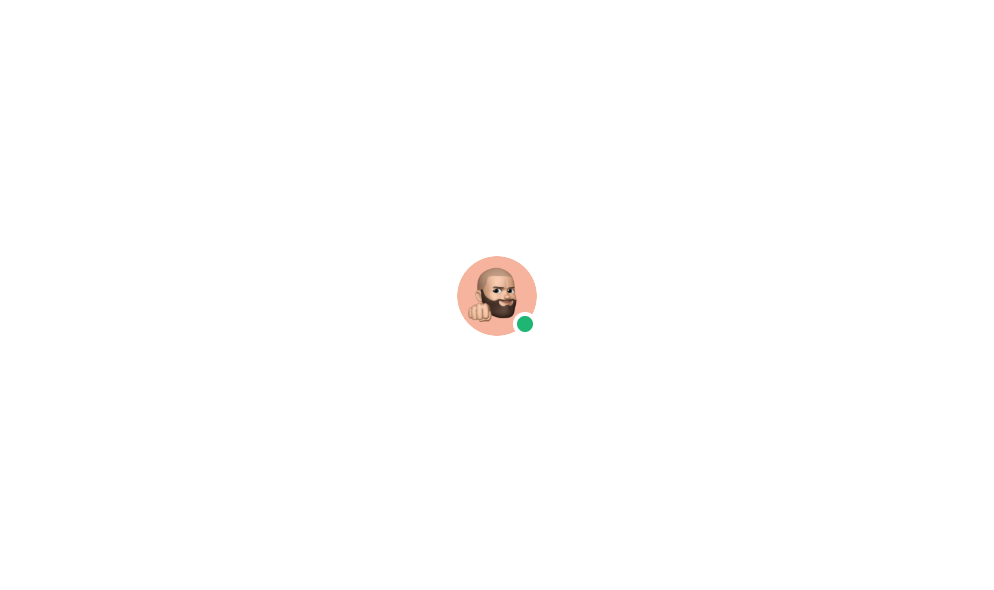
> Circular avatar image with a small online/offline status indicator badge overlaid.
## Overview
Avatar 05 is a UI component that displays a circular user profile picture with a small colored status dot (green for online) positioned in the lower-right area of the avatar. It is designed to visually communicate a user's online or offline presence alongside their profile image, commonly used in chat apps, dashboards, or user directories.
## How to use
Navigate to the **Elements** category in the Brikl panel.
Find **Avatar 05** and click **Copy**.
Paste it into your Bubble canvas with `Cmd + V` (Mac) or `Ctrl + V` (Windows),
or right-click on the canvas and select **Paste**.
## Responsive
This component adapts to mobile screens. Font sizes and layout automatically adjust on screens smaller than Bubble's built-in mobile breakpoint.
## Requirements
| | |
| ----------- | --------------------- |
| License | Starter plan required |
| Plugins | None |
| Custom code | Not required |
## Platforms
| Platform | Supported |
| -------- | --------- |
| Web | ✅ |
| Mobile | ✅ |
## License
This component requires a **Starter** plan.