> ## Documentation Index
> Fetch the complete documentation index at: https://docs.brikl.co/llms.txt
> Use this file to discover all available pages before exploring further.
# Banner 01
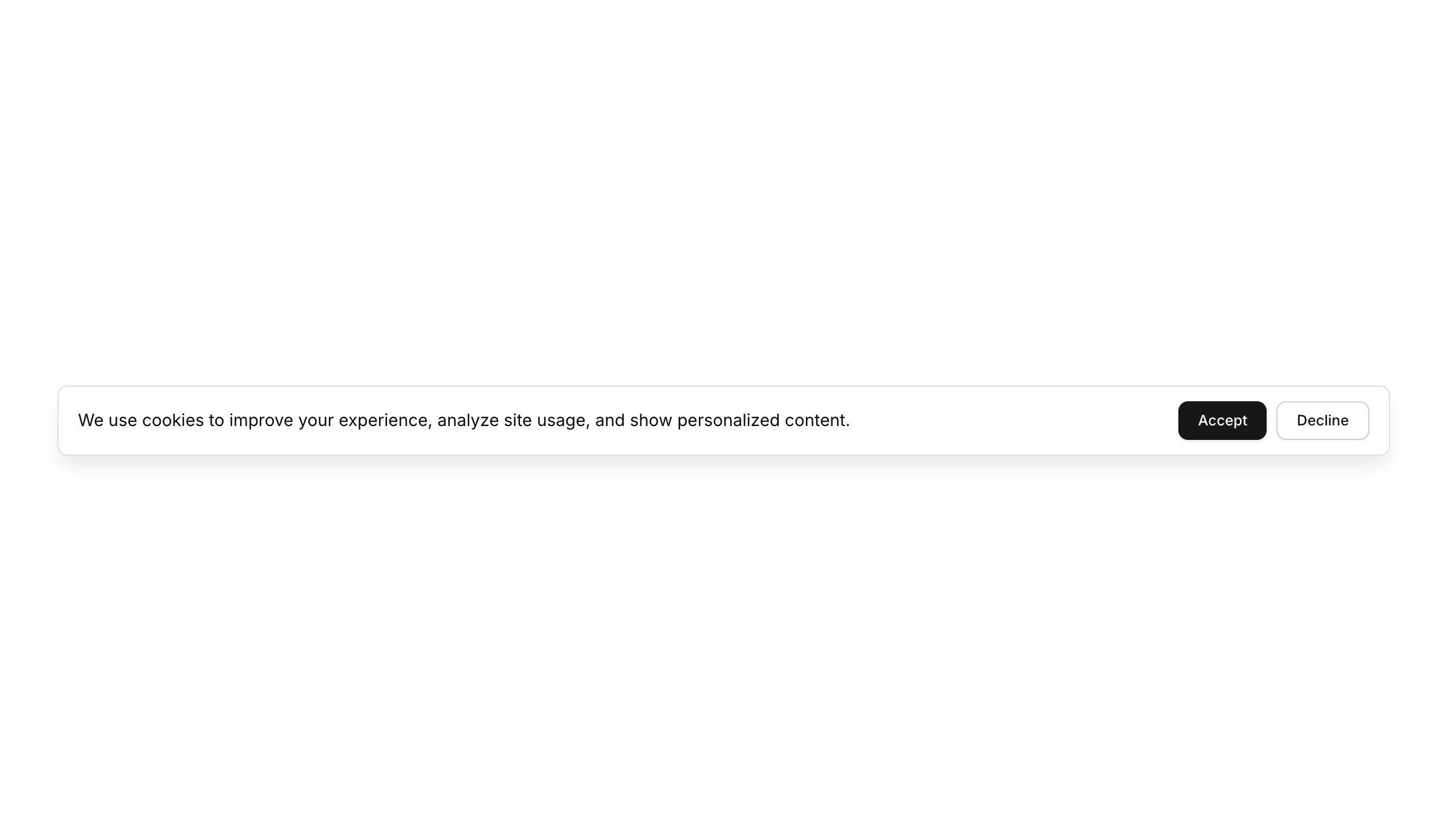
> Horizontal cookie consent banner with descriptive text and Accept/Decline action buttons.
## Overview
Banner 01 is a cookie consent notification bar designed to inform users about cookie usage and collect their consent. It features a text message explaining the purpose of cookies alongside two action buttons — 'Accept' and 'Decline' — arranged in a horizontal row layout. The component is compact, styled with subtle shadows and rounded corners, and is suitable for displaying at the top or bottom of a page as a non-intrusive consent prompt.
## How to use
Navigate to the **Marketings** category in the Brikl panel.
Find **Banner 01** and click **Copy**.
Paste it into your Bubble canvas with `Cmd + V` (Mac) or `Ctrl + V` (Windows), or right-click on the canvas and select **Paste**.
## States
This component includes conditional states that automatically change its appearance.
| State | Trigger | Visual effect |
| ----------------------- | ----------------------------------------- | ----------------------------------------------------------------- |
| Accept Button Hovered | User hovers over the Accept button | Accept button opacity reduces to 90% |
| Accept Button Disabled | Accept button is not clickable | Accept button opacity reduces to 50% |
| Decline Button Hovered | User hovers over the Decline button | Decline button background changes to rgba(245, 244, 244, 1) |
| Decline Button Disabled | Decline button is not clickable | Decline button opacity reduces to 50% |
| Mobile Layout | Page width is less than or equal to 769px | Text element width expands to 100% to accommodate smaller screens |
These states are handled natively by Bubble and require no additional setup. They will work automatically once the component is pasted into your editor.
## Responsive
This component adapts to mobile screens. Font sizes and layout automatically adjust on screens smaller than Bubble's built-in mobile breakpoint.
## Requirements
| | |
| ----------- | --------------------- |
| License | Starter plan required |
| Plugins | None |
| Custom code | Not required |
## Platforms
| Platform | Supported |
| -------- | --------- |
| Web | ✅ |
| Mobile | ❌ |
## License
This component requires a **Starter** plan.