
Overview
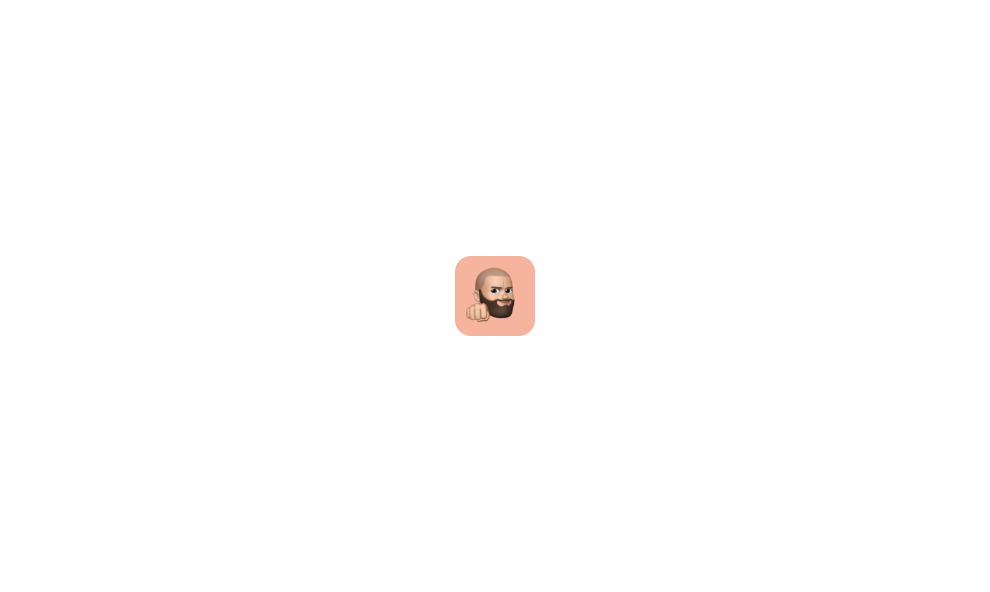
Avatar 04 is a simple square avatar component that displays a user profile image in a square format with slightly rounded corners. It is designed to be used as a visual identifier for users, suitable for profile pages, cards, or lists where a square avatar style is preferred over circular ones.How to use
1
Open the Brikl panel
Navigate to the Elements category in the Brikl panel.
2
Copy the component
Find Avatar 04 and click Copy.
3
Paste into your editor
Paste it into your Bubble canvas with
Cmd + V (Mac) or Ctrl + V (Windows),
or right-click on the canvas and select Paste.Responsive
This component adapts to mobile screens. Font sizes and layout automatically adjust on screens smaller than Bubble’s built-in mobile breakpoint.Requirements
Platforms
License
This component is available on the free plan.