
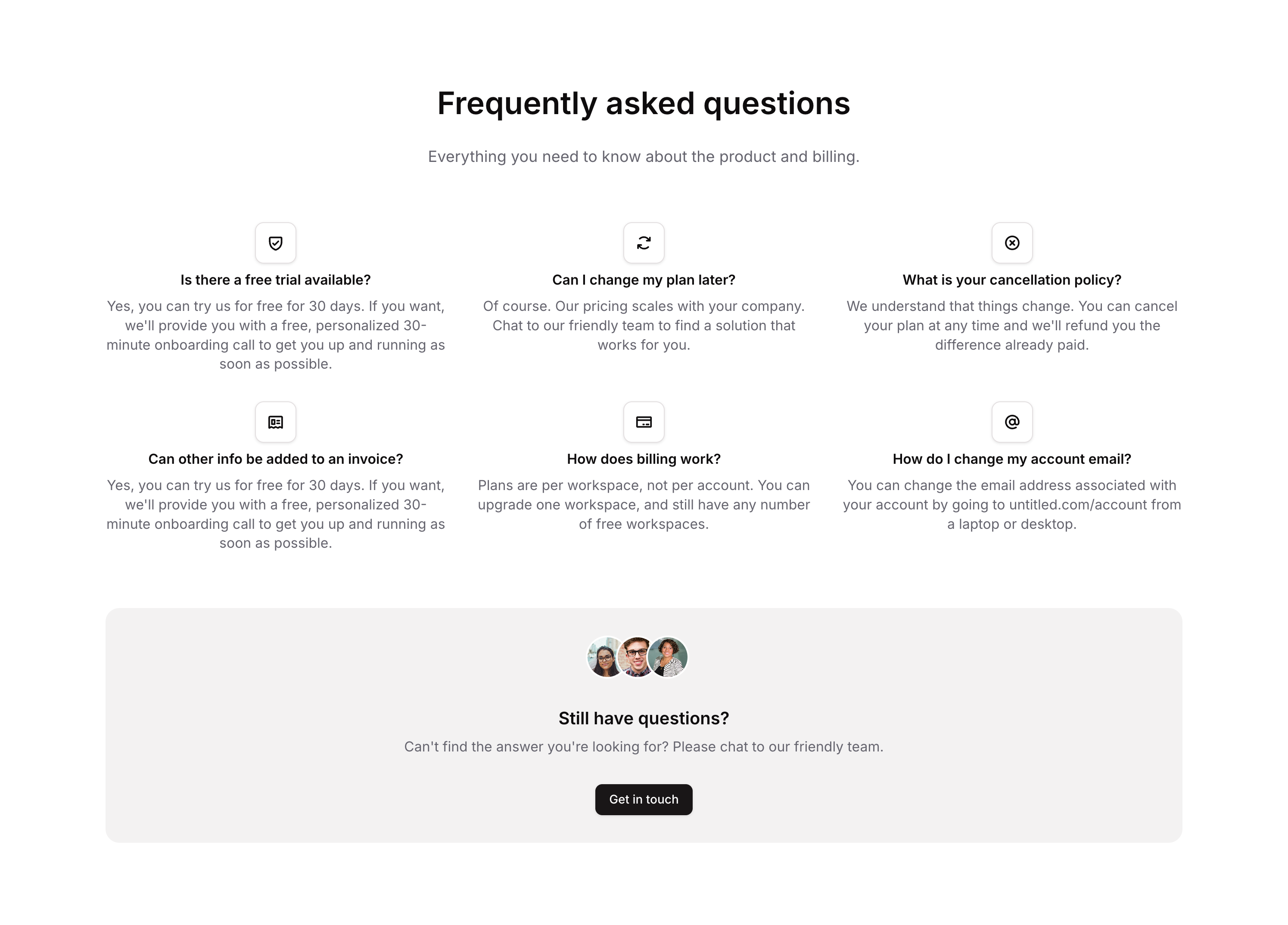
Overview
Faq 05 is a marketing FAQ component that displays a vertical list of frequently asked questions, each paired with a styled icon box, a bold question title, and a descriptive answer in gray text. It is designed to provide clear, scannable information to users on both web and mobile platforms.How to use
1
Open the Brikl panel
Navigate to the Marketings category in the Brikl panel.
2
Copy the component
Find Faq 05 and click Copy.
3
Paste into your editor
Paste it into your Bubble canvas with
Cmd + V (Mac) or Ctrl + V (Windows), or right-click on the canvas and select Paste.Responsive
This component adapts to mobile screens. Font sizes and layout automatically adjust on screens smaller than Bubble’s built-in mobile breakpoint.Requirements
Platforms
License
This component requires a Starter plan.