
Overview
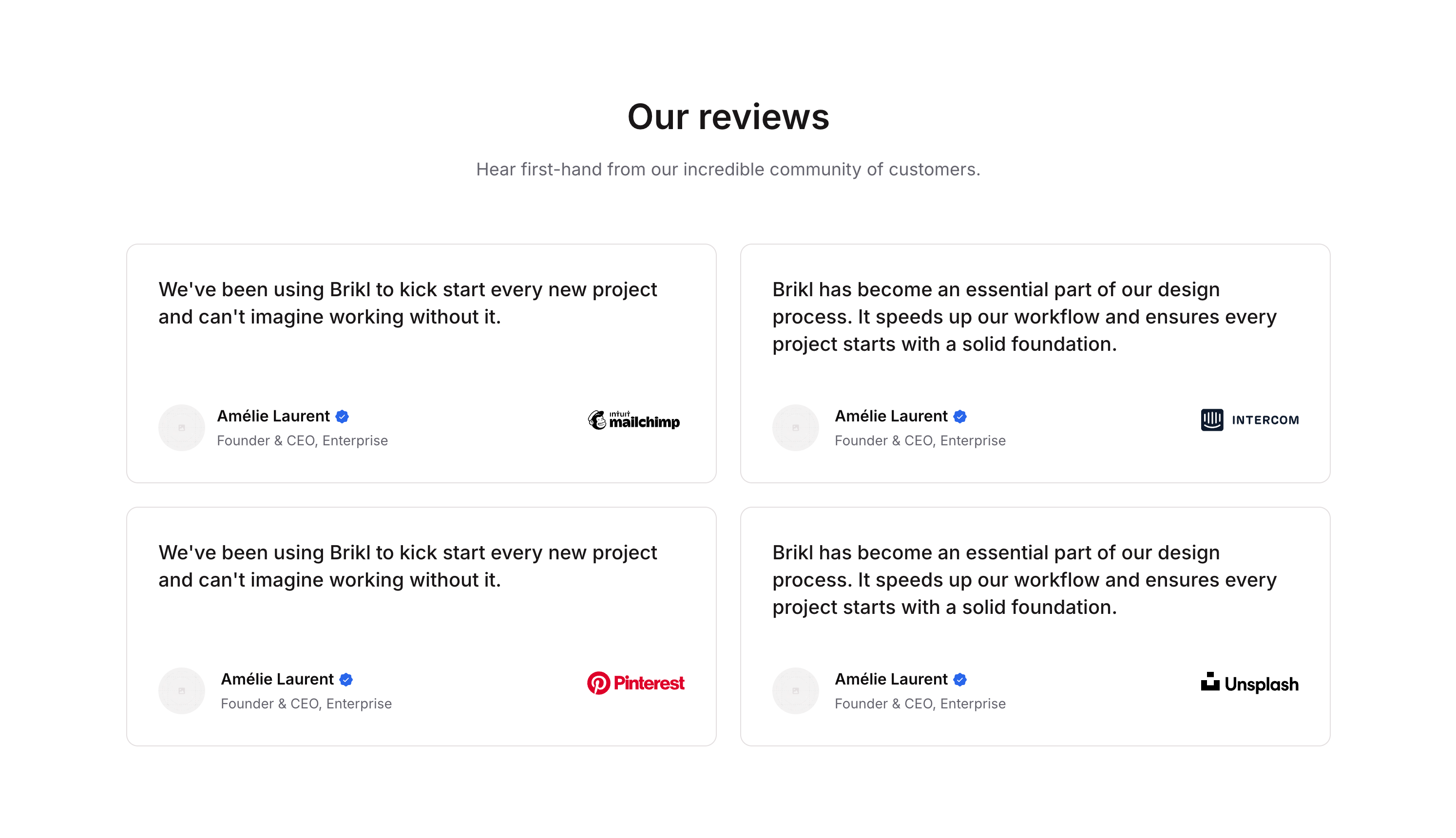
Testimonial 05 is a marketing component designed to showcase customer reviews and social proof. It features a header section with a title and subtitle, followed by a list of review cards. Each card includes a testimonial quote, customer avatar, name with a verified badge, job title, and company logo, creating a credible and visually structured testimonials section.How to use
1
Open the Brikl panel
Navigate to the Marketings category in the Brikl panel.
2
Copy the component
Find Testimonial 05 and click Copy.
3
Paste into your editor
Paste it into your Bubble canvas with
Cmd + V (Mac) or Ctrl + V (Windows), or right-click on the canvas and select Paste.States
This component includes conditional states that automatically change its appearance.These states are handled natively by Bubble and require no additional setup. They will work automatically once the component is pasted into your editor.
Responsive
This component adapts to mobile screens. Font sizes and layout automatically adjust on screens smaller than Bubble’s built-in mobile breakpoint.Requirements
Platforms
License
This component requires a Starter plan.