
Overview
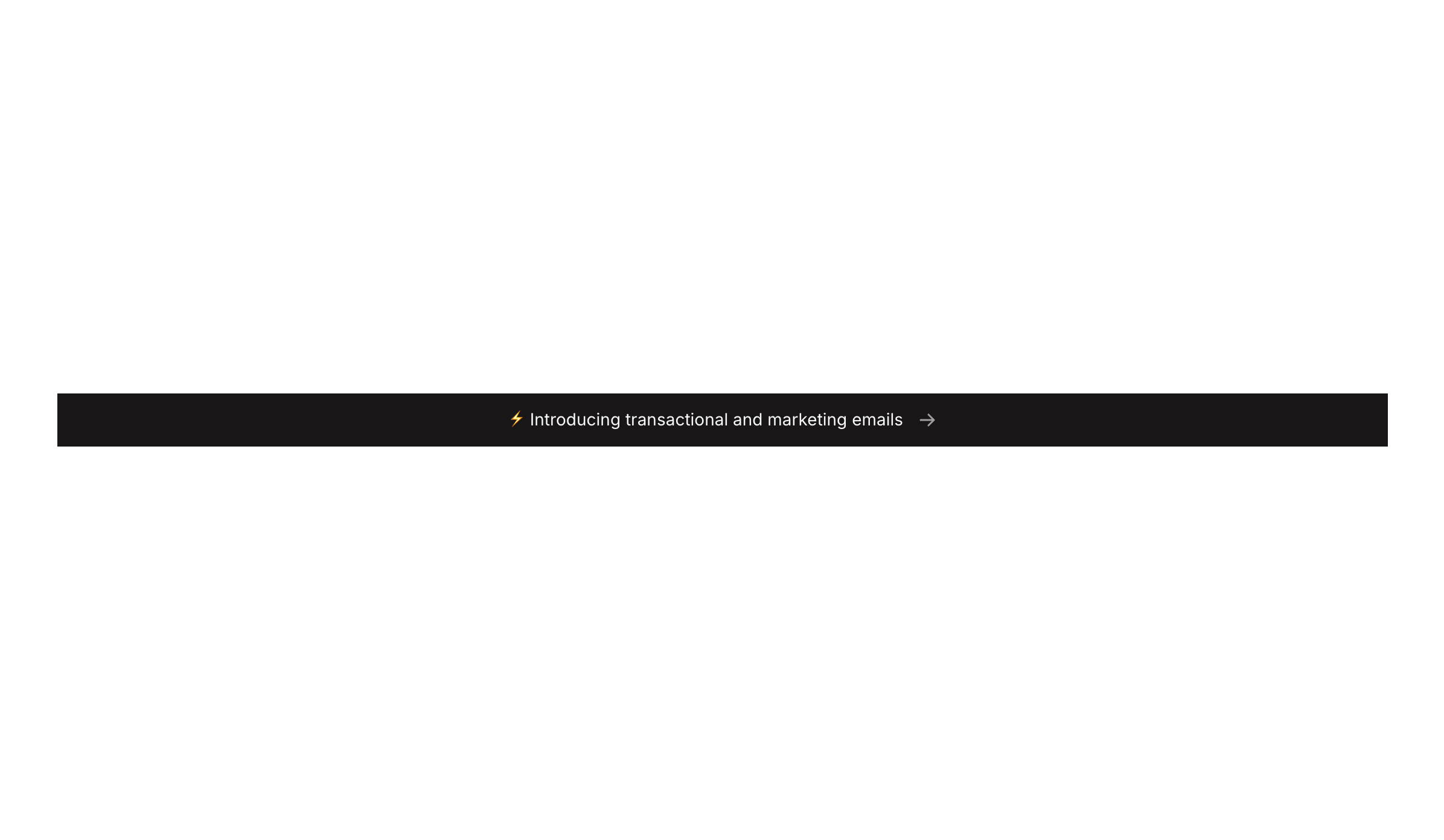
Banner 02 is a compact announcement banner designed for marketing purposes. It displays a short promotional or informational message alongside a directional arrow icon, inviting users to take action. The dark-themed, full-width strip is ideal for placing at the top or bottom of a page to highlight new features, promotions, or important updates.How to use
1
Open the Brikl panel
Navigate to the Marketings category in the Brikl panel.
2
Copy the component
Find Banner 02 and click Copy.
3
Paste into your editor
Paste it into your Bubble canvas with
Cmd + V (Mac) or Ctrl + V (Windows), or right-click on the canvas and select Paste.Responsive
This component adapts to mobile screens. Font sizes and layout automatically adjust on screens smaller than Bubble’s built-in mobile breakpoint.Requirements
Platforms
License
This component requires a Starter plan.