
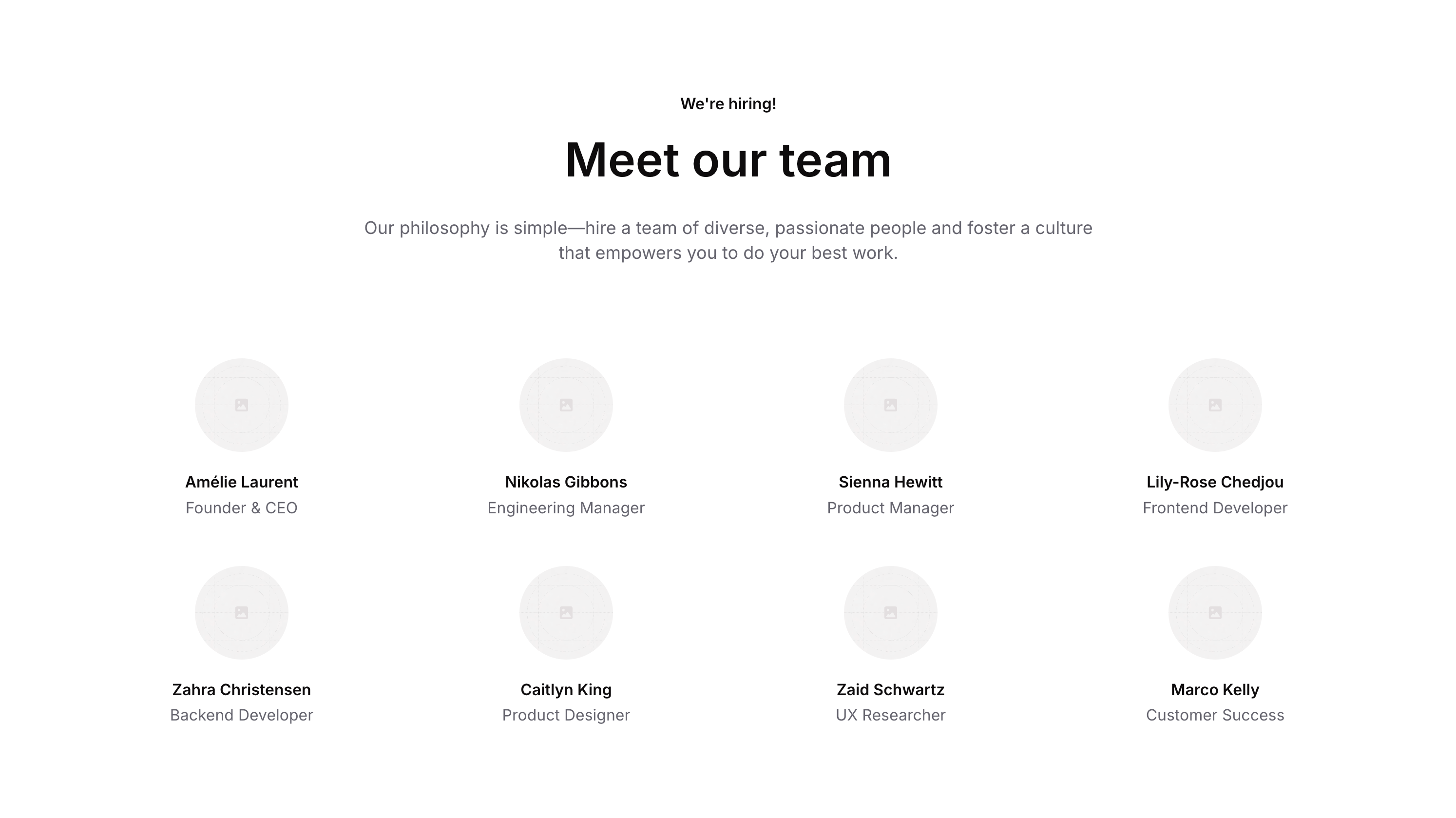
Overview
Team 01 is a marketing component designed to showcase company team members. It features a header section with a tag line, title, and descriptive text, followed by a list of team member cards, each containing a circular avatar image, name, and job title. It is ideal for ‘About Us’ or ‘Meet the Team’ sections on a marketing website.How to use
1
Open the Brikl panel
Navigate to the Marketings category in the Brikl panel.
2
Copy the component
Find Team 01 and click Copy.
3
Paste into your editor
Paste it into your Bubble canvas with
Cmd + V (Mac) or Ctrl + V (Windows),
or right-click on the canvas and select Paste.States
This component includes conditional states that automatically change its appearance.These states are handled natively by Bubble and require no additional setup.
They will work automatically once the component is pasted into your editor.
Responsive
This component adapts to mobile screens. Font sizes and layout automatically adjust on screens smaller than Bubble’s built-in mobile breakpoint.Requirements
Platforms
License
This component is available on the free plan.