
Overview
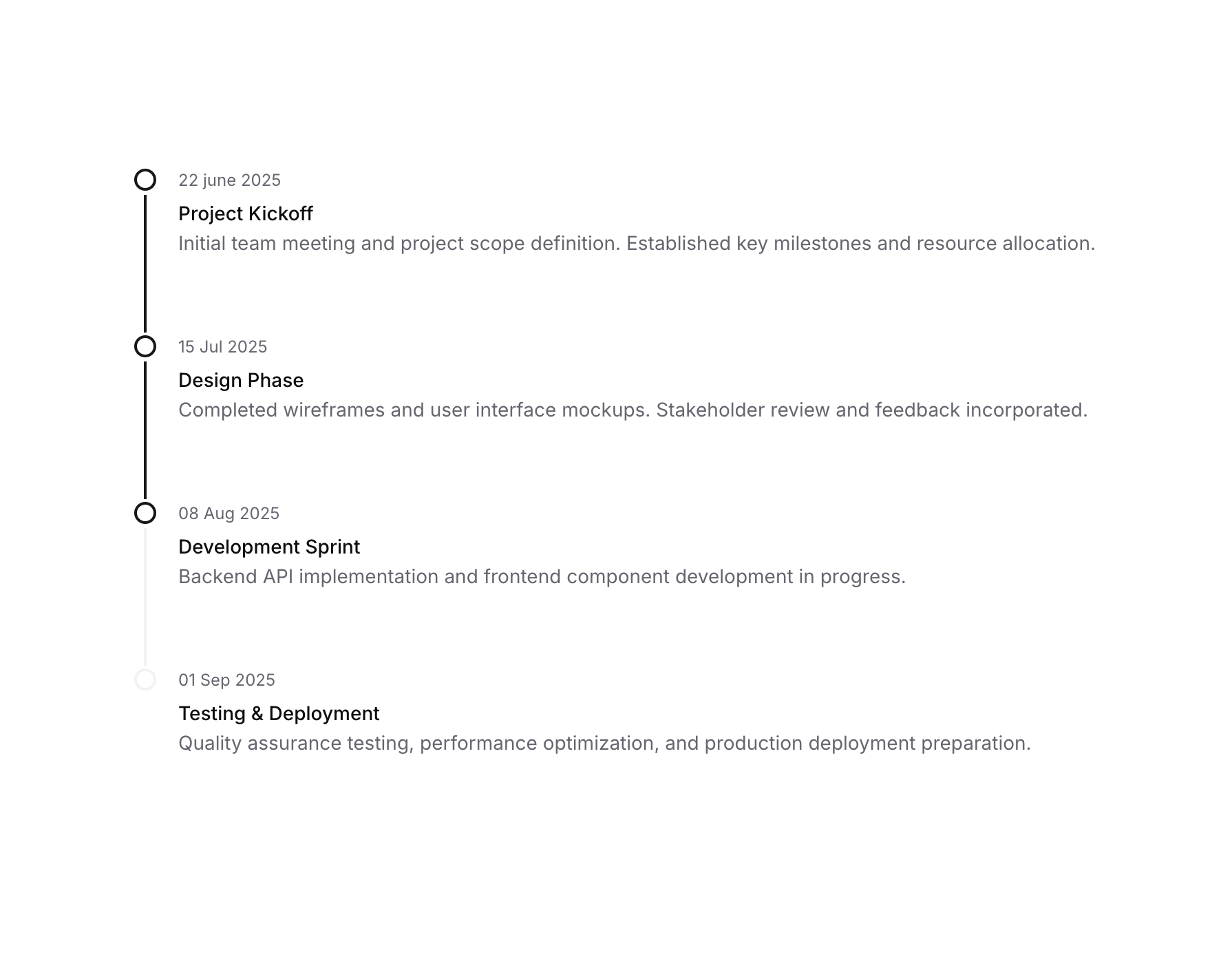
Timeline 03 is a vertical timeline UI component designed to display a sequence of project milestones or events. Each timeline item includes a circular dot indicator connected by a vertical separator line, alongside a date label, bold title, and descriptive text. It is ideal for project tracking, progress visualization, or step-by-step process displays.How to use
1
Open the Brikl panel
Navigate to the Elements category in the Brikl panel.
2
Copy the component
Find Timeline 03 and click Copy.
3
Paste into your editor
Paste it into your Bubble canvas with
Cmd + V (Mac) or Ctrl + V (Windows),
or right-click on the canvas and select Paste.Responsive
This component adapts to mobile screens. Font sizes and layout automatically adjust on screens smaller than Bubble’s built-in mobile breakpoint.Requirements
Platforms
License
This component requires a Starter plan.