
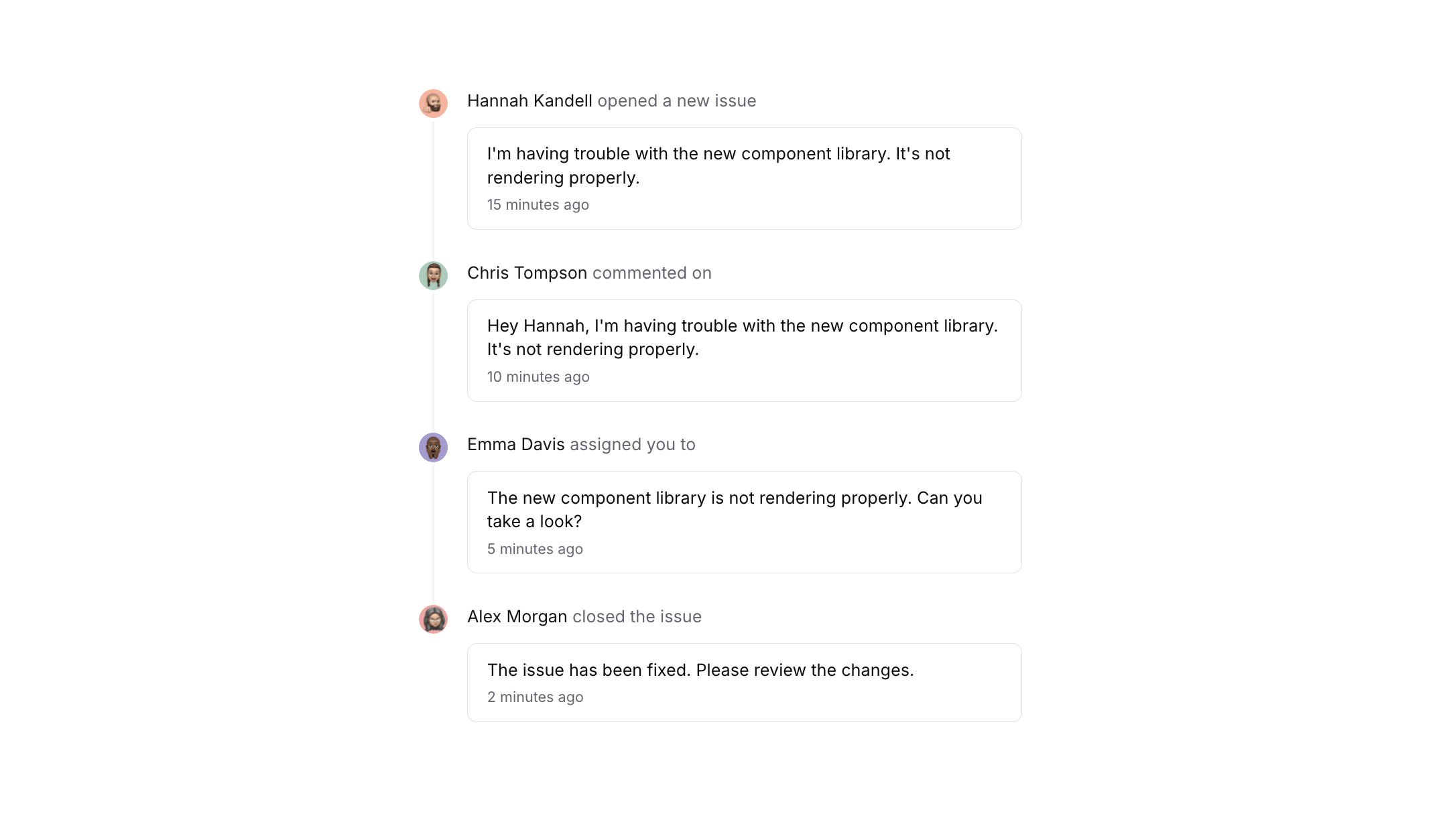
Overview
Timeline 07 is a vertical activity feed component that displays a sequence of timeline events, each showing a user avatar, a separator line, an author action label, and a bordered message card with content and timestamp. It is designed for use cases such as issue trackers, comment threads, or activity logs where chronological user interactions need to be displayed in a structured and readable format.How to use
1
Open the Brikl panel
Navigate to the Elements category in the Brikl panel.
2
Copy the component
Find Timeline 07 and click Copy.
3
Paste into your editor
Paste it into your Bubble canvas with
Cmd + V (Mac) or Ctrl + V (Windows),
or right-click on the canvas and select Paste.Responsive
This component adapts to mobile screens. Font sizes and layout automatically adjust on screens smaller than Bubble’s built-in mobile breakpoint.Requirements
Platforms
License
This component requires a Starter plan.