
Overview
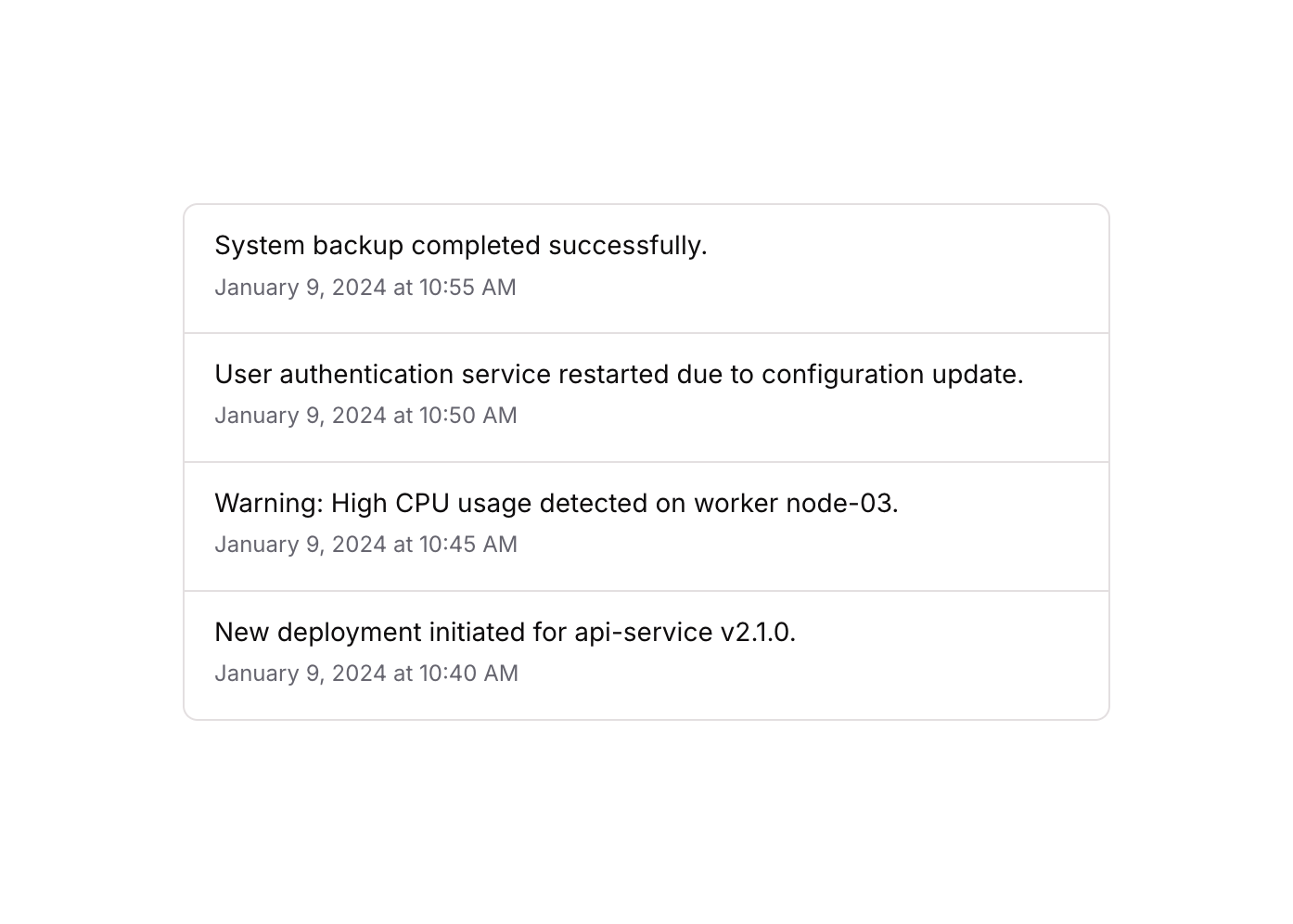
Timeline 08 is a vertical log/activity timeline component displaying a list of chronological events. Each item contains an event description and a timestamp, separated by bottom borders. It is ideal for system logs, audit trails, activity feeds, or any time-ordered sequence of events.How to use
1
Open the Brikl panel
Navigate to the Elements category in the Brikl panel.
2
Copy the component
Find Timeline 08 and click Copy.
3
Paste into your editor
Paste it into your Bubble canvas with
Cmd + V (Mac) or Ctrl + V (Windows),
or right-click on the canvas and select Paste.Responsive
This component adapts to mobile screens. Font sizes and layout automatically adjust on screens smaller than Bubble’s built-in mobile breakpoint.Requirements
Platforms
License
This component requires a Starter plan.