
Documentation Index
Fetch the complete documentation index at: https://docs.brikl.co/llms.txt
Use this file to discover all available pages before exploring further.

Overview
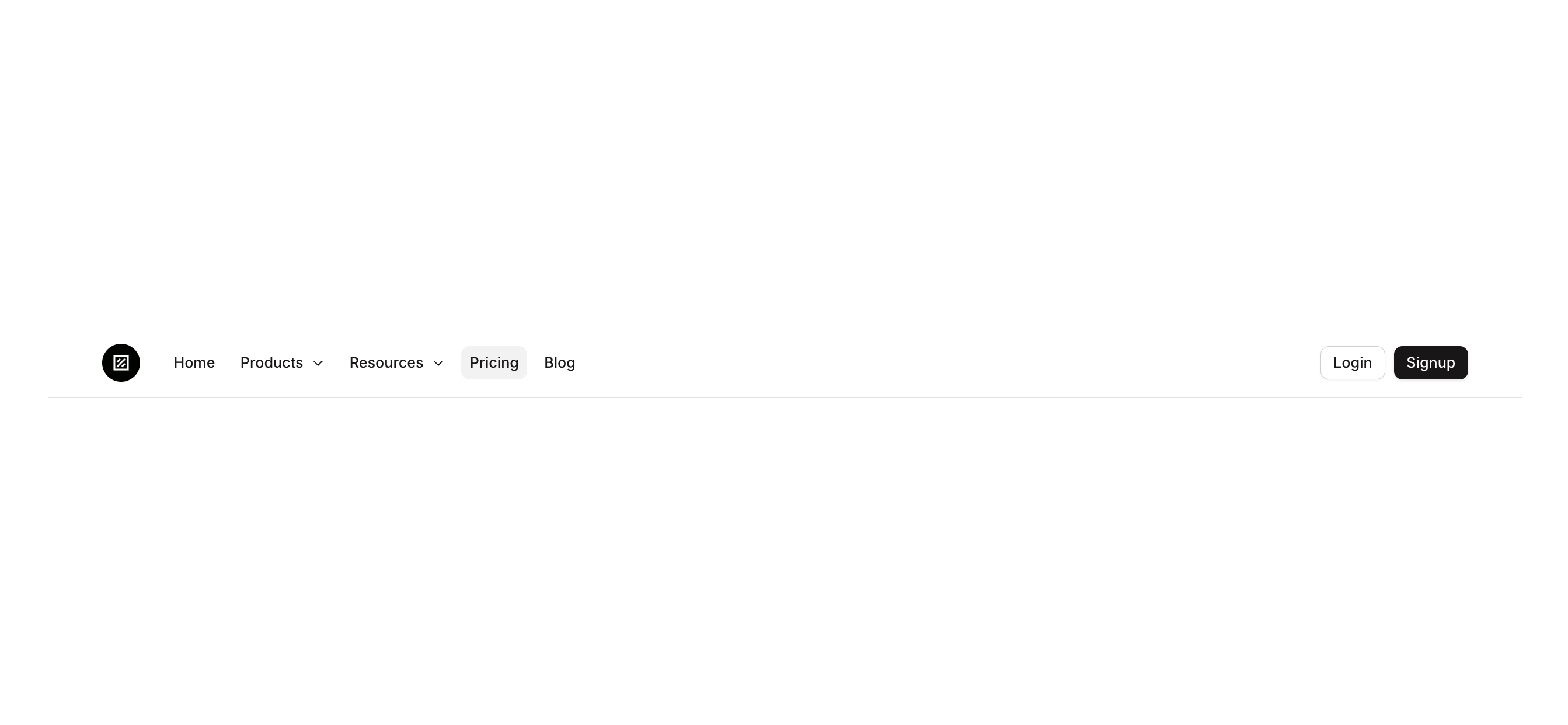
Navbar 07 is a responsive marketing navigation bar component that includes a logo area, desktop navigation menu links, login and signup call-to-action buttons, and a hamburger/trigger button for mobile views. It adapts its layout based on page width, hiding desktop elements on screens 768px or narrower and showing a mobile menu trigger instead.How to use
States
This component includes conditional states that automatically change its appearance.| State | Trigger | Visual effect |
|---|---|---|
| Signup Button Hovered | User hovers over the Signup button | Signup button opacity reduces to 90% |
| Signup Button Disabled | Signup button is not clickable | Signup button opacity reduces to 50% |
| Signup Button Hidden on Mobile | Page width is 768px or less | Signup button becomes hidden |
| Login Button Hovered | User hovers over the Login button | Login button background changes to rgba(245, 244, 244, 1) |
| Login Button Disabled | Login button is not clickable | Login button opacity reduces to 50% |
| Login Button Hidden on Mobile | Page width is 768px or less | Login button becomes hidden |
| Mobile Menu Trigger Visible | Page width is 768px or less | Hamburger/trigger button becomes visible |
| Mobile Menu Trigger Hovered | User hovers over the trigger button | Trigger button background changes to rgba(245, 244, 244, 1) |
| Desktop Menus Hidden on Mobile | Page width is 768px or less | Navigation menu group becomes hidden |
| Home Button Hovered | User hovers over the Home menu button | Background changes to rgba(245, 244, 244, 1) with bgcolor style applied |
| Home Button Disabled | Home button is not clickable | Home button opacity reduces to 50% |
These states are handled natively by Bubble and require no additional setup.
They will work automatically once the component is pasted into your editor.
Responsive
This component adapts to mobile screens. Font sizes and layout automatically adjust on screens smaller than Bubble’s built-in mobile breakpoint.Requirements
| License | Starter plan required |
| Plugins | None |
| Custom code | Not required |
Platforms
| Platform | Supported |
|---|---|
| Web | ✅ |
| Mobile | ❌ |
License
This component requires a Starter plan.
