
Overview
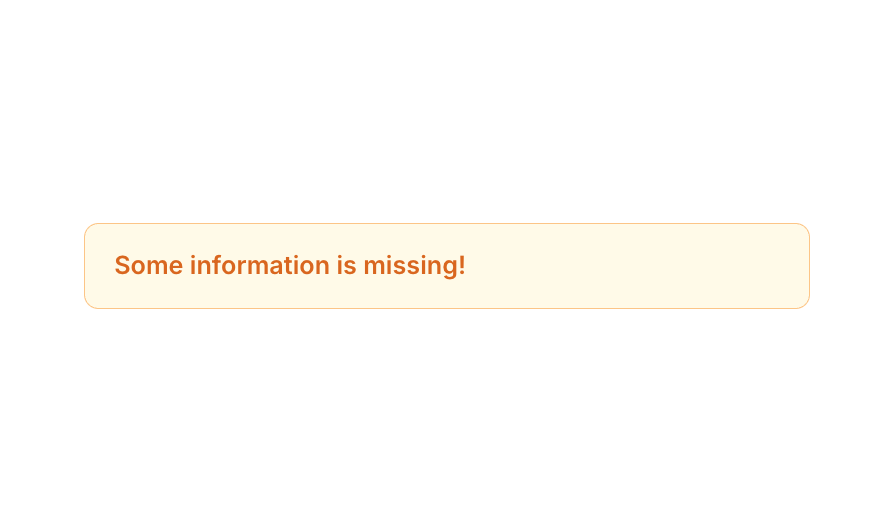
Alert 01 is a simple inline alert/notification component designed to display warning or informational messages to users. It features a light yellow background with an orange border and bold orange text, making it visually distinct for drawing attention. It is ideal for form validation messages, missing information notices, or any contextual user feedback that requires a subtle yet noticeable alert style.How to use
1
Open the Brikl panel
Navigate to the Elements category in the Brikl panel.
2
Copy the component
Find Alert 01 and click Copy.
3
Paste into your editor
Paste it into your Bubble canvas with
Cmd + V (Mac) or Ctrl + V (Windows),
or right-click on the canvas and select Paste.Requirements
Platforms
License
This component is available on the free plan.