
Overview
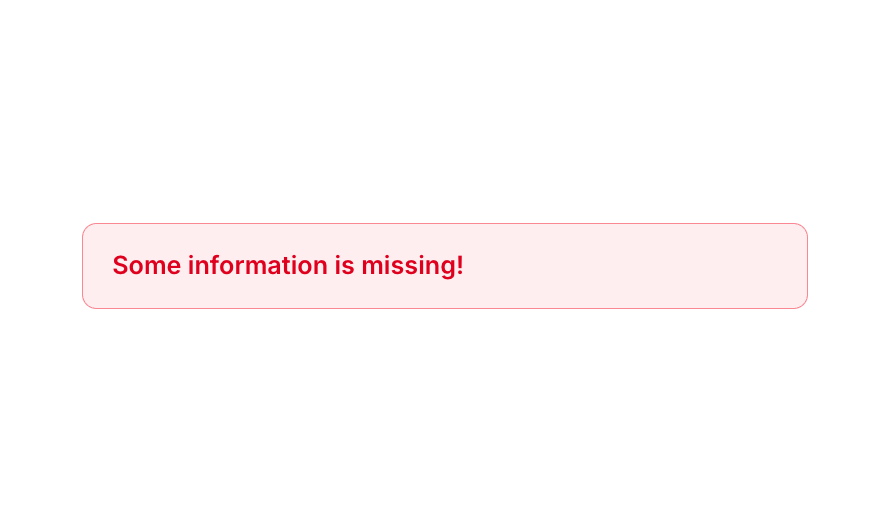
Alert 02 is a simple inline alert element designed to display error or warning messages to users. It features a red-tinted background with a semi-transparent red border, bold red text, and rounded corners. It is typically used to notify users of missing or invalid information in forms or workflows, and collapses automatically when hidden to avoid taking up layout space.How to use
1
Open the Brikl panel
Navigate to the Elements category in the Brikl panel.
2
Copy the component
Find Alert 02 and click Copy.
3
Paste into your editor
Paste it into your Bubble canvas with
Cmd + V (Mac) or Ctrl + V (Windows),
or right-click on the canvas and select Paste.Requirements
Platforms
License
This component is available on the free plan.