
Overview
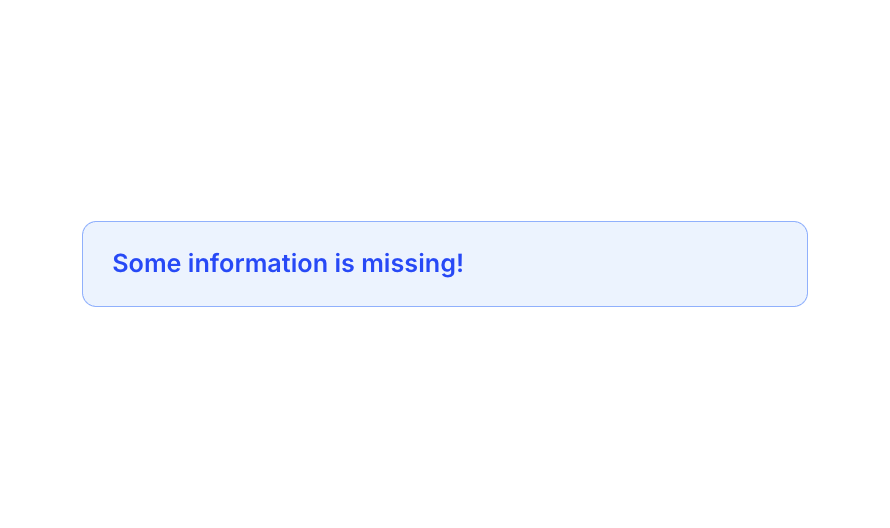
Alert 04 is a compact informational alert component styled in blue, designed to notify users of missing or important information. It features a light blue background, a semi-transparent blue border, and bold primary-colored text, making it suitable for inline form validation messages or general informational notices.How to use
1
Open the Brikl panel
Navigate to the Elements category in the Brikl panel.
2
Copy the component
Find Alert 04 and click Copy.
3
Paste into your editor
Paste it into your Bubble canvas with
Cmd + V (Mac) or Ctrl + V (Windows),
or right-click on the canvas and select Paste.Requirements
Platforms
License
This component is available on the free plan.