
Overview
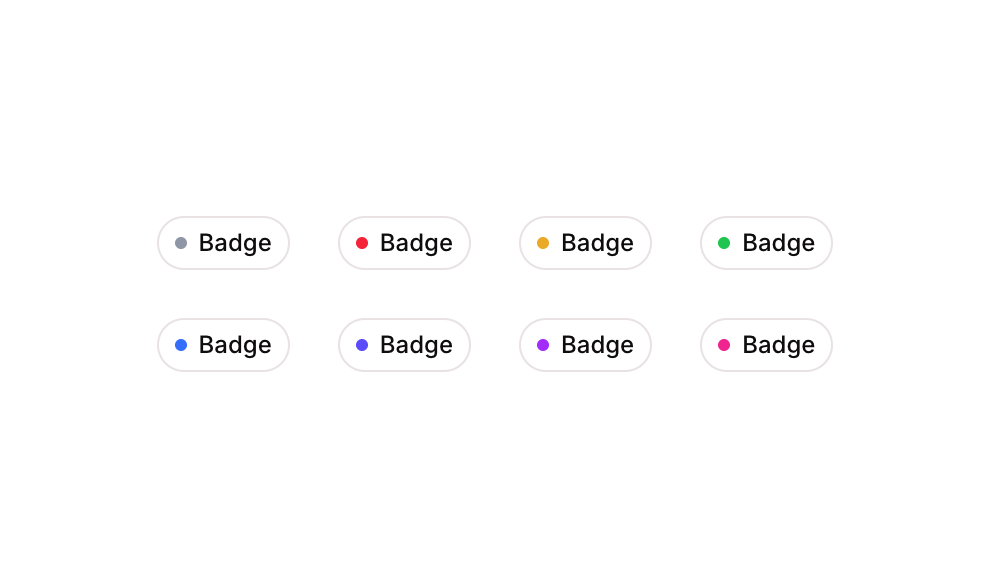
Badge 10 is a collection of pill-shaped white badge components, each featuring a small colored circular dot indicator alongside a text label. The badges come in five dot color variants — grey, red, yellow, green, and blue — making them suitable for status indicators, tags, or category labels in both web and mobile interfaces.How to use
1
Open the Brikl panel
Navigate to the Elements category in the Brikl panel.
2
Copy the component
Find Badge 10 and click Copy.
3
Paste into your editor
Paste it into your Bubble canvas with
Cmd + V (Mac) or Ctrl + V (Windows),
or right-click on the canvas and select Paste.Responsive
This component adapts to mobile screens. Font sizes and layout automatically adjust on screens smaller than Bubble’s built-in mobile breakpoint.Requirements
Platforms
License
This component requires a Starter plan.