
Overview
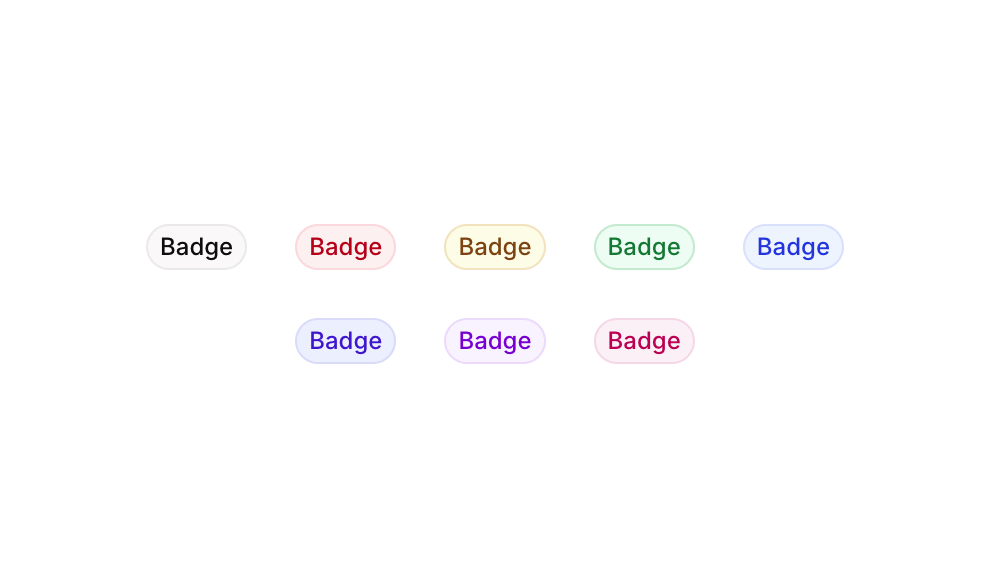
Badge 12 is a UI component featuring a horizontal row of eight pill-shaped badge elements, each styled in a different color theme (Grey, Red, Yellow, Green, Blue, Palatinate Blue, Purple, and Pink). It is designed to visually categorize, label, or tag content items with semantic color coding, making it ideal for status indicators, tags, or classification labels in web and mobile interfaces.How to use
1
Open the Brikl panel
Navigate to the Elements category in the Brikl panel.
2
Copy the component
Find Badge 12 and click Copy.
3
Paste into your editor
Paste it into your Bubble canvas with
Cmd + V (Mac) or Ctrl + V (Windows),
or right-click on the canvas and select Paste.Responsive
This component adapts to mobile screens. Font sizes and layout automatically adjust on screens smaller than Bubble’s built-in mobile breakpoint.Requirements
Platforms
License
This component requires a Starter plan.