
Overview
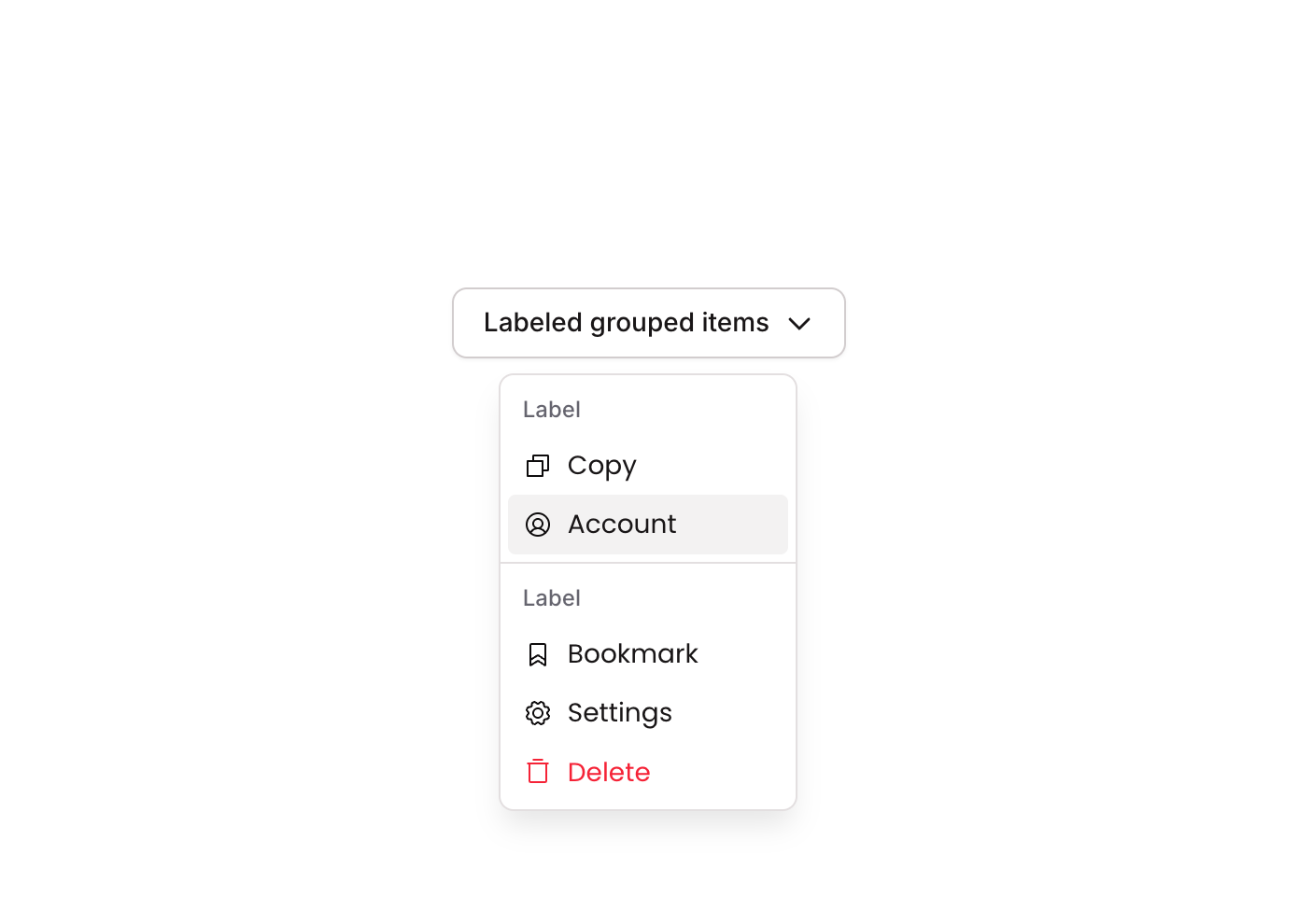
Dropdown 04 is a GroupFocus-based contextual dropdown menu component containing five labeled icon buttons: Copy, Account, Bookmark, Settings, and Delete. It is designed to appear as a floating action menu triggered by a parent element. The first four items are standard actions, visually separated from the destructive ‘Delete’ button by a horizontal divider. Each button features a hover state and a disabled (non-clickable) state, making it suitable for context menus, overflow menus, or user account action panels.How to use
1
Open the Brikl panel
Navigate to the Elements category in the Brikl panel.
2
Copy the component
Find Dropdown 04 and click Copy.
3
Paste into your editor
Paste it into your Bubble canvas with
Cmd + V (Mac) or Ctrl + V (Windows),
or right-click on the canvas and select Paste.States
This component includes conditional states that automatically change its appearance.These states are handled natively by Bubble and require no additional setup.
They will work automatically once the component is pasted into your editor.
Requirements
Platforms
License
This component requires a Starter plan.