
Documentation Index
Fetch the complete documentation index at: https://docs.brikl.co/llms.txt
Use this file to discover all available pages before exploring further.

Overview
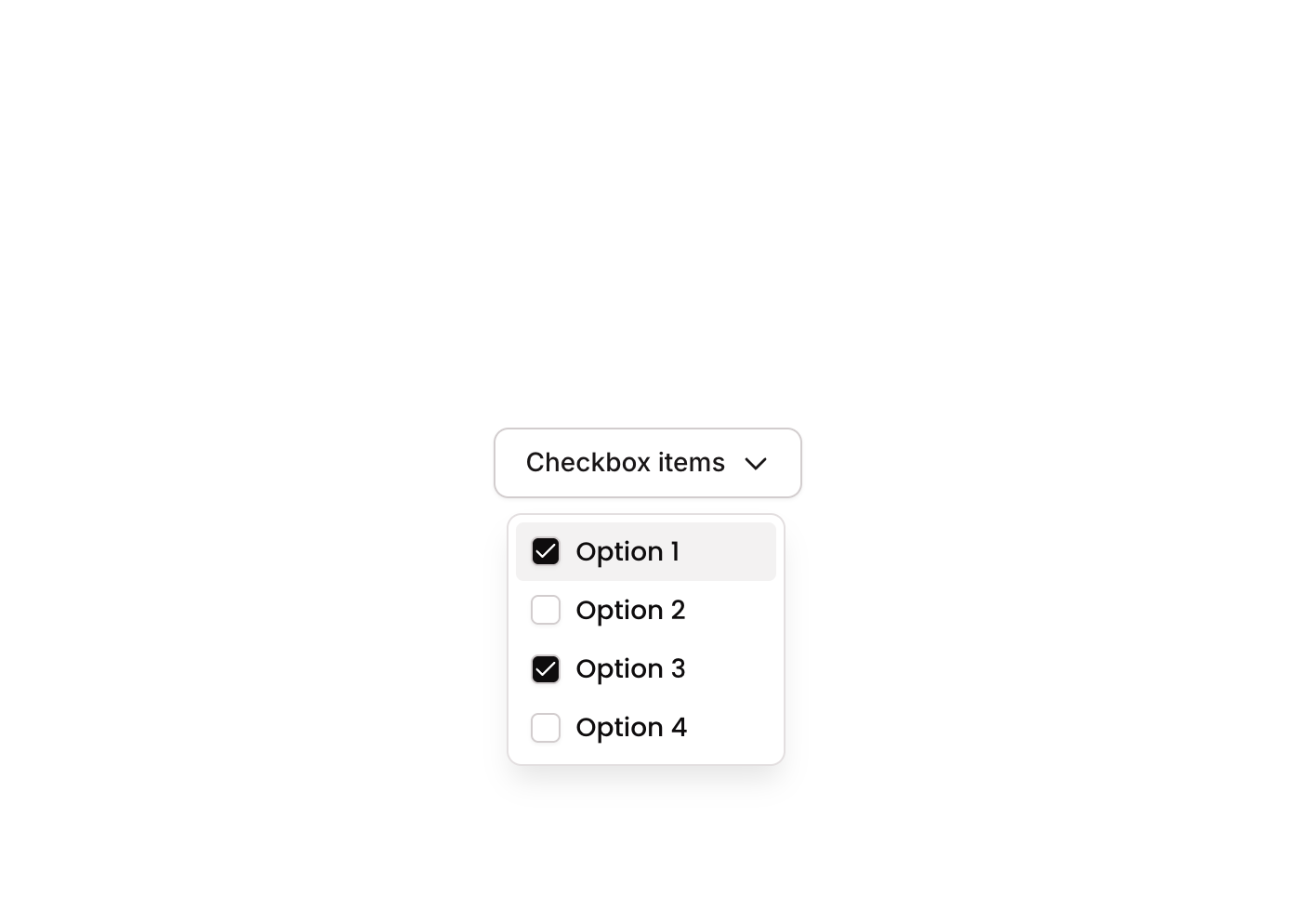
Dropdown 05 is a contextual dropdown menu component that displays a vertical list of action buttons—Copy, Account, Bookmark, Settings, and Delete—each with a corresponding icon. It uses a GroupFocus element to show/hide the menu and includes workflows to manage multi-select state via custom states, making it suitable for action menus or item management interfaces.How to use
States
This component includes conditional states that automatically change its appearance.| State | Trigger | Visual effect |
|---|---|---|
| Hovered | Mouse hover over any action button | Button background changes to a light gray (rgba(245,244,244,1)) |
| Hovered (Delete) | Mouse hover over the Delete button | Button background changes to a light red tint (rgba(251,44,54,0.1)) |
| Disabled | Button is not clickable (isnt_clickable condition) | Button opacity reduces to 50% |
| Item Selected | Checkbox button clicked when item is not in selected list | Item is added to the custom state items_selected_ list |
| Item Deselected | Checkbox button clicked when item is already in selected list | Item is removed from the custom state items_selected_ list |
These states are handled natively by Bubble and require no additional setup.
They will work automatically once the component is pasted into your editor.
Workflows
This component includes pre-built workflows.| Trigger | Action |
|---|---|
| Checkbox 01 button clicked (item not in selected list) | Adds the current item (custom.item_) to the custom state items_selected_ on the parent element |
| Checkbox 01 button clicked (item already in selected list) | Removes the current item (custom.item_) from the custom state items_selected_ on the parent element |
| Checkbox 02 button clicked (item not in selected list) | Adds the current item (custom.item_) to the custom state items_selected_ on the parent element |
These workflows are included when you use the Copy with Workflows option in the Brikl panel.
Requirements
| License | Starter plan required |
| Plugins | None |
| Custom code | Not required |
Platforms
| Platform | Supported |
|---|---|
| Web | ✅ |
| Mobile | ❌ |
License
This component requires a Starter plan.
