
Overview
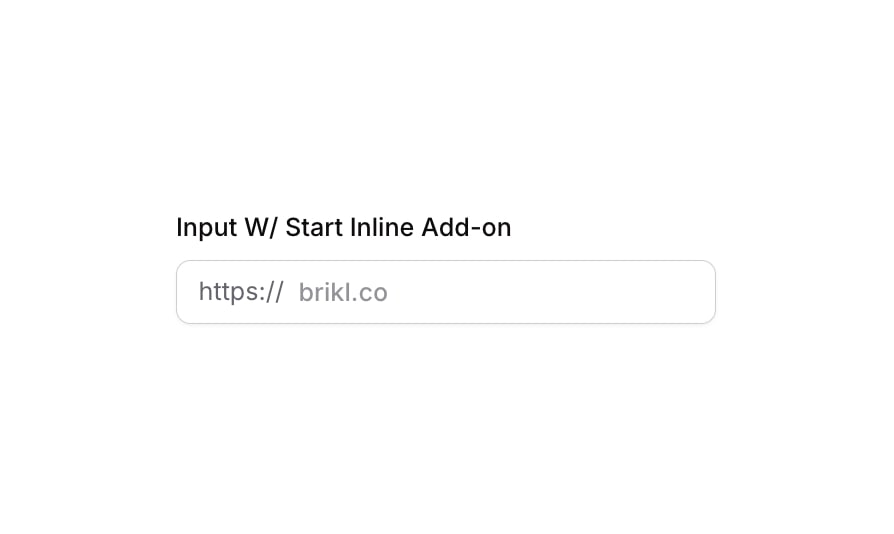
Input 08 is a URL-style text input field featuring a start inline add-on label (‘https://’) displayed inside the input container. It is designed to guide users when entering web addresses or slugs, with a placeholder like ‘brikl.co’. The component includes visual states for focus (box shadow highlight), validation error (red border and shadow), and disabled/non-clickable (reduced opacity), making it suitable for forms requiring structured URL input.How to use
1
Open the Brikl panel
Navigate to the Elements category in the Brikl panel.
2
Copy the component
Find Input 08 and click Copy.
3
Paste into your editor
Paste it into your Bubble canvas with
Cmd + V (Mac) or Ctrl + V (Windows), or right-click on the canvas and select Paste.States
This component includes conditional states that automatically change its appearance.These states are handled natively by Bubble and require no additional setup. They will work automatically once the component is pasted into your editor.
Responsive
This component adapts to mobile screens. Font sizes and layout automatically adjust on screens smaller than Bubble’s built-in mobile breakpoint.Requirements
Platforms
License
This component is available on the free plan.