
Overview
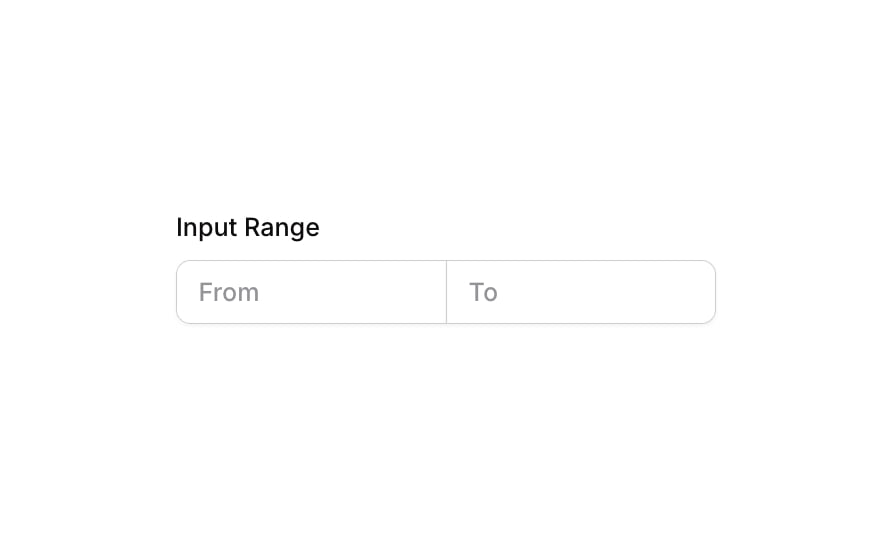
Input 22 is a range input component designed to capture a numerical range from the user. It consists of a labeled group containing two side-by-side input fields: one for the starting value (‘From’) and one for the ending value (‘To’). The inputs share a connected border style, creating a unified range control. It supports validation states, focus highlights, and disabled appearance, making it suitable for filter panels, search forms, or any UI requiring a min/max numerical range entry.How to use
1
Open the Brikl panel
Navigate to the Elements category in the Brikl panel.
2
Copy the component
Find Input 22 and click Copy.
3
Paste into your editor
Paste it into your Bubble canvas with
Cmd + V (Mac) or Ctrl + V (Windows), or right-click on the canvas and select Paste.States
This component includes conditional states that automatically change its appearance.These states are handled natively by Bubble and require no additional setup. They will work automatically once the component is pasted into your editor.
Responsive
This component adapts to mobile screens. Font sizes and layout automatically adjust on screens smaller than Bubble’s built-in mobile breakpoint.Requirements
Platforms
License
This component is available on the free plan.